
Appearance
Screen patterns
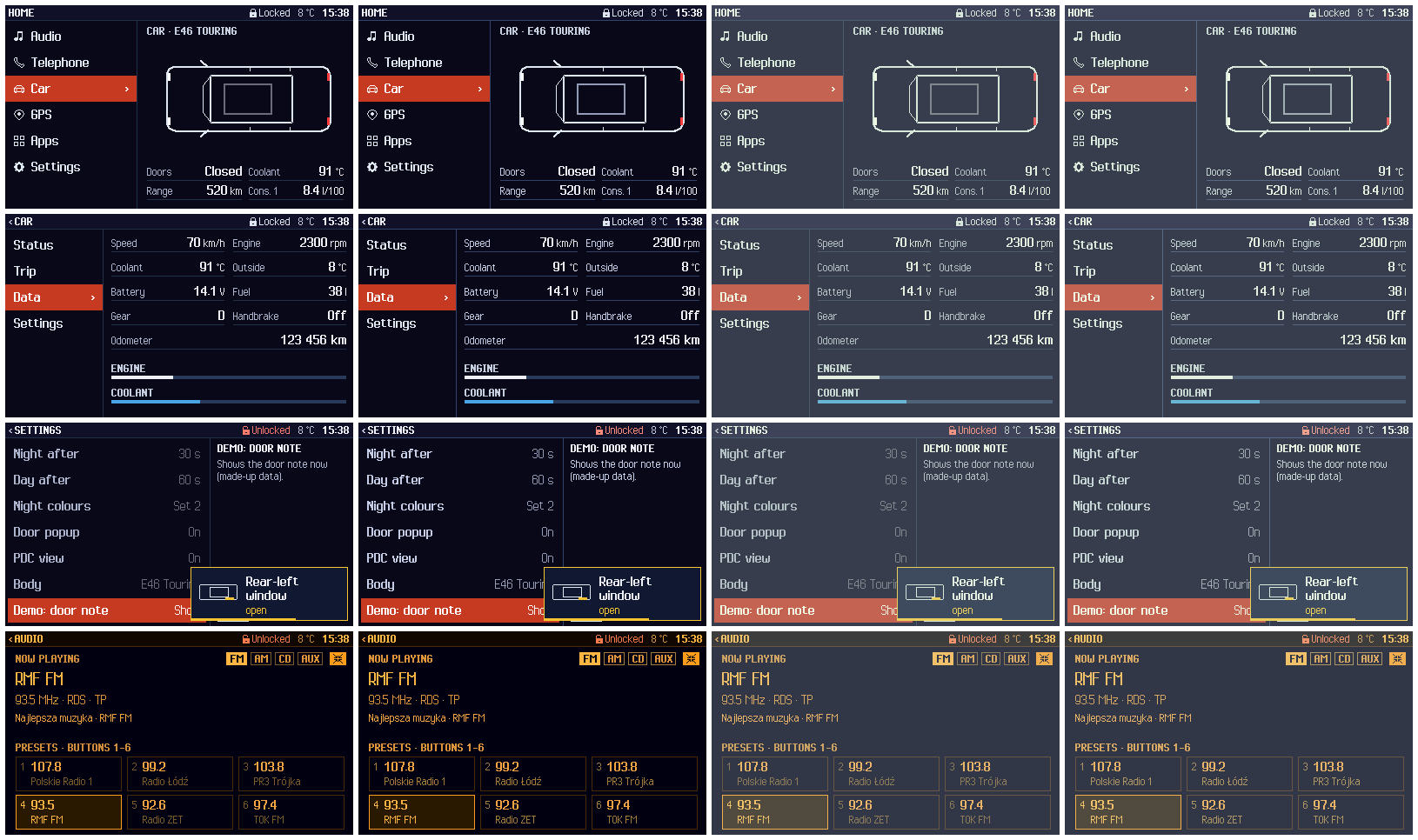
Every pattern of the NavX look, from the emulated unit, with made-up data. The rules behind them are in the UI guidelines.
Home: the menu and a live preview

Split: the app beside the menu
The menu row turns accent-dark; the panel has the focus.

Full: the whole body

Back: the first focus stop

A list in a panel

Sections: Car
Sections on the left, the focused one previewed; press to go in.


Editing a value: choices, Cancel last


A full page: GPS

Apps, and an app inside the shell


Overlays


Night

Do and don't
| Don't | Do |
|---|---|
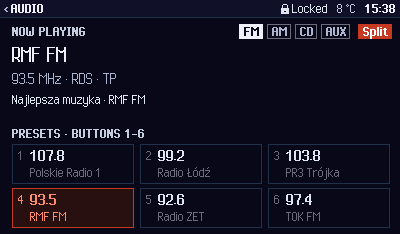 |  |
| a word ("Split") in a small box for full/split | an icon: expand / collapse |
The contrast review below shows each screen as drawn and as the car's LCD shows it (columns 3–4), before and after: